
Many users still use AT&T email accounts with the att.net domain, but the login process has changed over the years. This often causes confusion when users try to sign in and cannot find the correct login page.
If you are wondering how do I login to att.net email, this guide explains the correct login steps, password reset solutions, common problems, and troubleshooting tips so you can access your email without issues.
Most login problems happen because AT&T email is now managed through a different platform. Many users do not know this change happened.
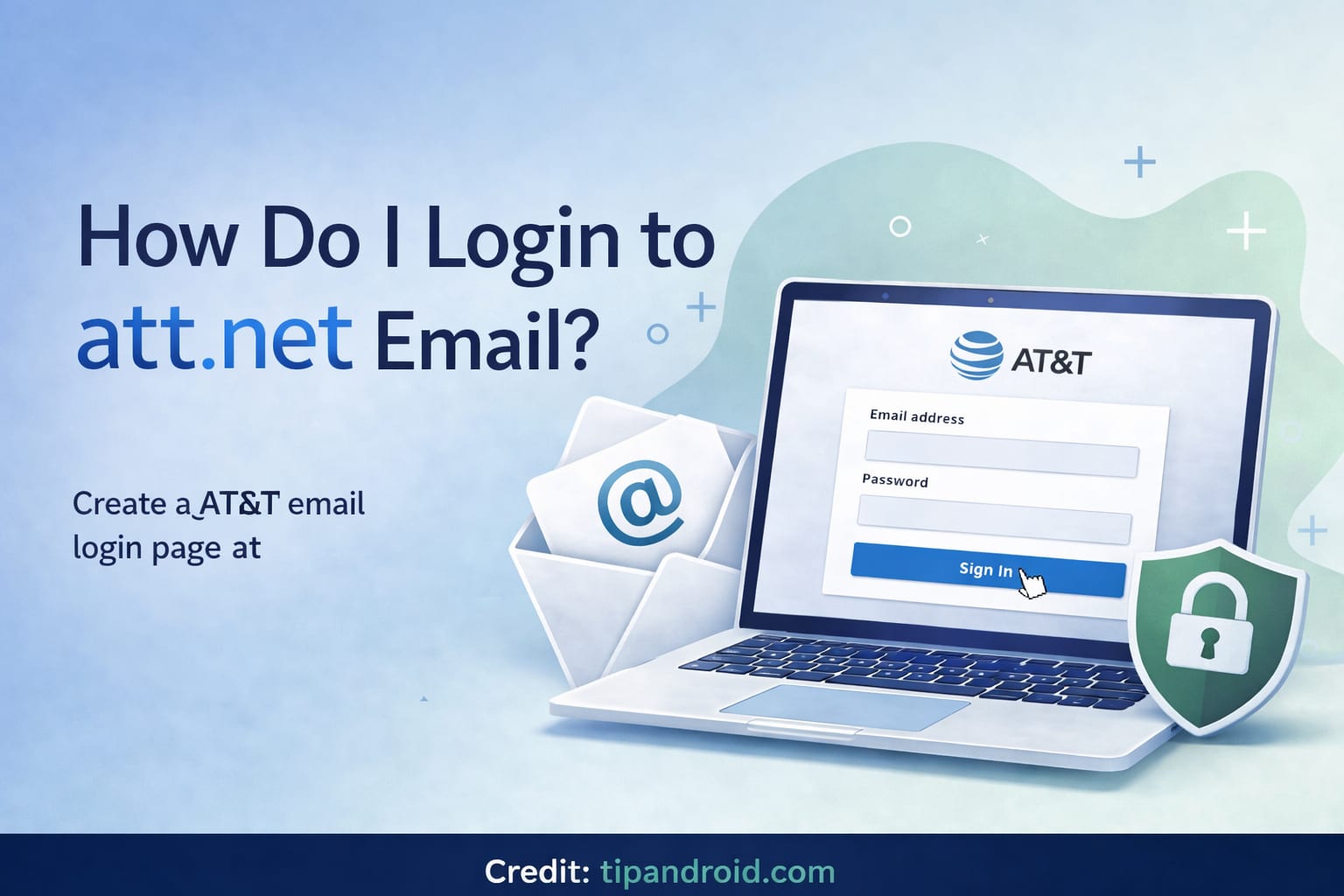
The Problem: AT&T Email Login Page Is Confusing
In the past, users could log in directly through an AT&T email page. Now, AT&T email accounts are handled through Yahoo mail servers. Because of this partnership, the login process is different from before.
Common login issues include:
- Cannot find AT&T email login page
- Password not working
- Login page redirects repeatedly
- Account locked
- Forgot password
- Email not loading
Most of these problems can be solved by using the correct login page and resetting account access if needed.
The Solution: Login Through the Official AT&T Email Login Page
To access your AT&T Mail account, you must log in through the official AT&T login page, which redirects to Yahoo Mail.
Basic login steps:
- Go to AT&T email login page
- Enter your att.net email address
- Enter your password
- Click Sign In
- Complete verification if required
- Your inbox will open
If login is successful, you will be redirected to the Yahoo Mail inbox interface, but it is still your AT&T email account.
Detailed Explanation
Step by Step Login to AT&T.net Email
Follow these steps carefully:
- Open your browser
- Go to the AT&T Mail login page
- Enter your email address (example: [email protected])
- Click Next
- Enter your password
- Click Sign In
- Complete two-step verification if enabled
- Access your inbox
This is the official way to log in to AT&T.net email.
Login Using Yahoo Mail Page
Because AT&T email is powered by Yahoo, you can also log in via Yahoo Mail.
Steps:
- Go to Yahoo Mail login page
- Enter your AT&T email address
- Enter password
- Click Sign In
- Inbox will open
This method works because AT&T email accounts are hosted on Yahoo servers.
How to Reset AT&T Email Password
If you cannot log in, reset your password using the AT&T account recovery system.
Steps:
- Go to AT&T password reset page
- Enter your AT&T email address
- Enter last name
- Choose verification method
- Enter verification code
- Create new password
- Login again with new password
Make sure your new password includes:
- Uppercase letters
- Lowercase letters
- Numbers
- Symbols
This improves email account security.
How to Access AT&T Email on Phone
You can access AT&T email on mobile using email apps like:
- Apple Mail
- Gmail App
- Outlook App
Use IMAP settings for AT&T email:
Incoming Mail Server (IMAP)
- Server: imap.mail.att.net
- Port: 993
- Security: SSL
Outgoing Mail Server (SMTP)
- Server: smtp.mail.att.net
- Port: 465 or 587
- Security: SSL
These settings allow you to use your AT&T email on smartphones and email applications.
Common Login Problems and Fixes
1. Wrong Login Page
Always use the official AT&T login page or Yahoo Mail login page.
2. Incorrect Password
Reset your password if login fails multiple times.
3. Account Locked
Too many failed login attempts can temporarily lock your account. Wait 24 hours or reset password.
4. Browser Issues
Try these steps:
- Clear browser cache
- Use different browser
- Use incognito mode
- Disable extensions
- Update browser
5. Two-Step Verification Issues
If you enabled two-step verification and changed phone numbers, use recovery email to regain access.
Common Mistakes to Avoid
Using Old Login Pages
Many outdated websites still show old AT&T login links that no longer work.
Saving Wrong Password in Browser
Browsers often autofill old passwords. Try typing password manually.
Not Updating Recovery Information
Always keep recovery email and phone number updated for account recovery.
Ignoring Security Alerts
If AT&T detects unusual login activity, you may need to verify your identity before logging in.
FAQ: How Do I Login to AT&T.net Email
Is AT&T email the same as Yahoo Mail?
AT&T email is powered by Yahoo Mail, but you still log in using your att.net email address.
Can I still use my old att.net email?
Yes, AT&T still supports att.net email accounts.
Why does AT&T email redirect to Yahoo?
Because Yahoo manages AT&T email servers and inbox system.
What if I forgot my AT&T email password?
Use the AT&T password reset page to create a new password.
Can I use AT&T email on Outlook or phone?
Yes, you can use IMAP and SMTP settings to access your AT&T email on email apps.
Conclusion
If you are wondering how do I login to att.net email, the most important thing to remember is that AT&T email is now managed through Yahoo Mail. You must log in through the official AT&T login page or Yahoo Mail login page using your att.net email address and password.
If you cannot log in, reset your password, clear browser cache, or try logging in from a different browser or device. You can also access your AT&T email using mobile email apps with the correct IMAP and SMTP settings.
Once you understand the login process and account management system, accessing your AT&T.net email becomes simple and reliable.
Previous articles related to email login issues that might interest you: